
Connected stack
Northwind Ops
01
Plan, route, and report on work with tools your team can stack any way they like.
02
Northwind Ops
03
Vertex Labs
04
Orion Freight
BUILD IN BLOCKS
Map tasks, forms, and reports in one modular workspace. Set up boards fast, keep teams in sync, and start free with no credit card needed.

Connected stack
Plan, route, and report on work with tools your team can stack any way they like.
Northwind Ops
Vertex Labs
Orion Freight






CORE BLOCKS
See every task, owner, and due date in one board.
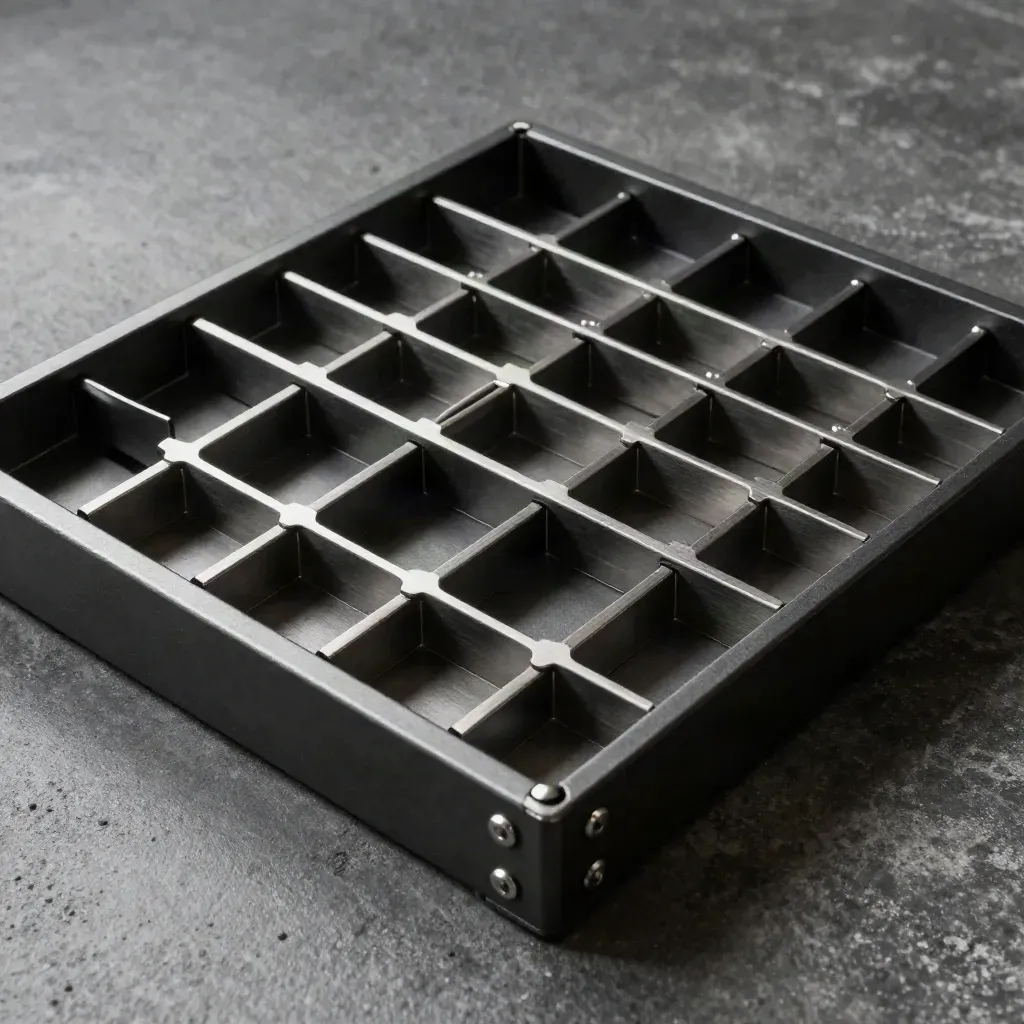
See every task, owner, and due date in one board.

Move work ahead when a form is sent or a step closes.

Keep notes on each job where the team can read them.

Collect requests, approvals, and intake data with one form.

Track throughput, delays, and handoff time without sheets.

Set roles, limit access, and keep each space tidy.
BUILT FOR TEAMS
Run launches, requests, and handoffs in one place as you grow.
See every task, owner, and due date in one board.
Move work ahead when a form is sent or a step closes.
Keep notes on each job where the team can read them.
Collect requests, approvals, and intake data with one form.

Use case 01
Run launches, requests, and handoffs in one place as you grow.

Use case 02
Keep repeat work clear with owners, forms, and simple reports.

Use case 03
Route leads, tasks, and updates across sales, service, and ops.
workflow blocks

workflow blocks
to launch a board
form fields
task checks
SIMPLE PRICING
1 live dashboard 10 automation runs 3 teammates Basic custom forms Email alerts
$0
1 live dashboard
10 automation runs
3 teammates
Basic custom forms
$49
Unlimited dashboards
2,000 automation runs
Team comments on tasks
Custom forms and rules
Custom
Unlimited workspaces
Advanced admin controls
Role groups and permissions
Cross-team task routing
Proof
“We moved requests out of email and cut handoffs in half.”

Dana Sloane
Ops Manager @ Northwind
“Forms, boards, and reports now sit together, so our team stays on track.”

Leah Moreno
Head of Ops @ Vertex Rail
“The first workflow went live fast, and the team kept using it on day one.”

Owen Price
COO @ Helix Retail
Integrations
Plan, route, and report on work with tools your team can stack any way they like.

Plan, route, and report on work with tools your team can stack any way they like.

Plan, route, and report on work with tools your team can stack any way they like.
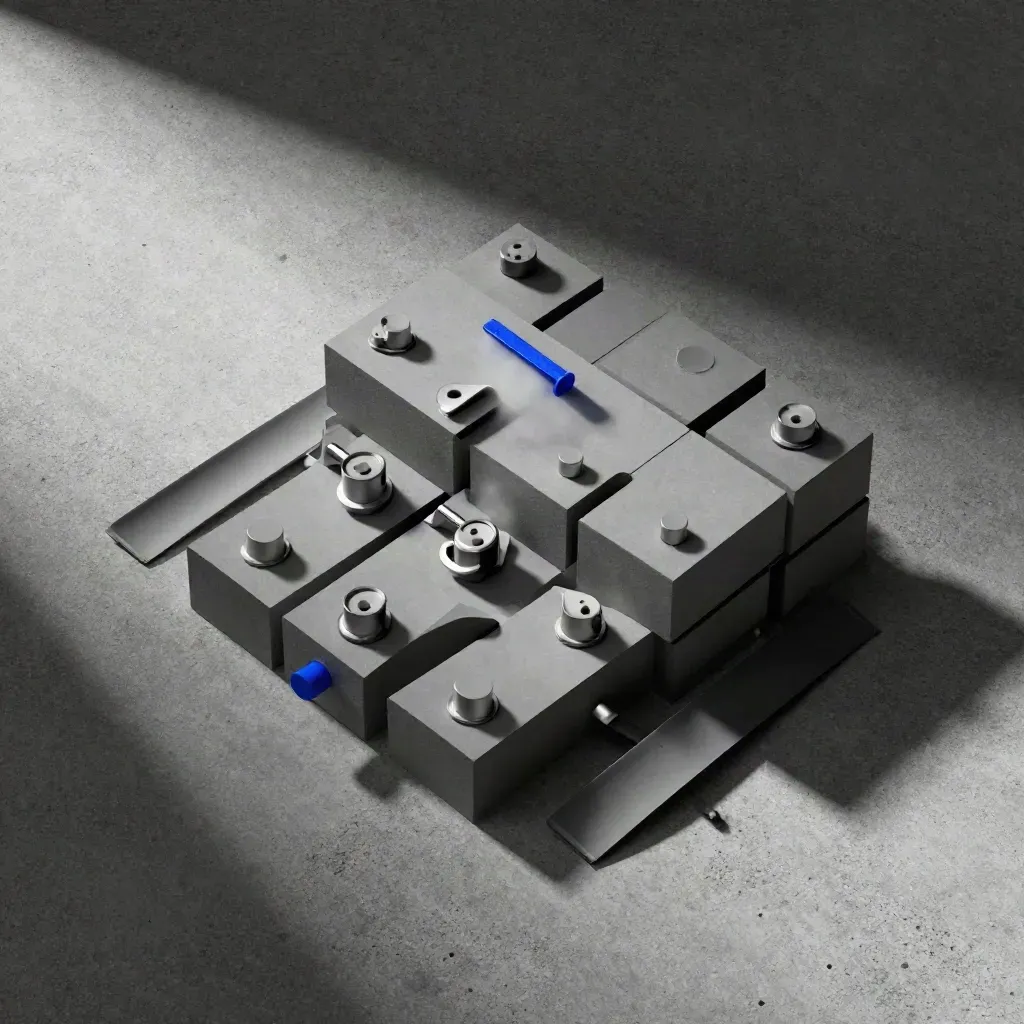
Plan, route, and report on work with tools your team can stack any way they like.

Plan, route, and report on work with tools your team can stack any way they like.
The Map
Journal


Questions
Quick answers before visitors choose a product, service, or next step.
It helps teams build workflows with boards, automations, forms, and reports in one place, so daily work stays clear.
It fits startups, SMBs, and ops teams that need one tool for repeat work, handoffs, and status checks each week.
Yes. Send updates to Slack and sync tasks with Jira, plus connect other tools from the integration tiles.
Yes. Build intake forms, approval forms, and request forms that route work to the right owner fast.
Yes. The Free plan includes one dashboard, basic forms, and a small set of automation runs for a small team.
Most teams can set up a first board in a day and bring over live work without a long setup or a long wait.
Get short notes on new blocks, integrations, and workflow tips. One email now and then, no spam.